
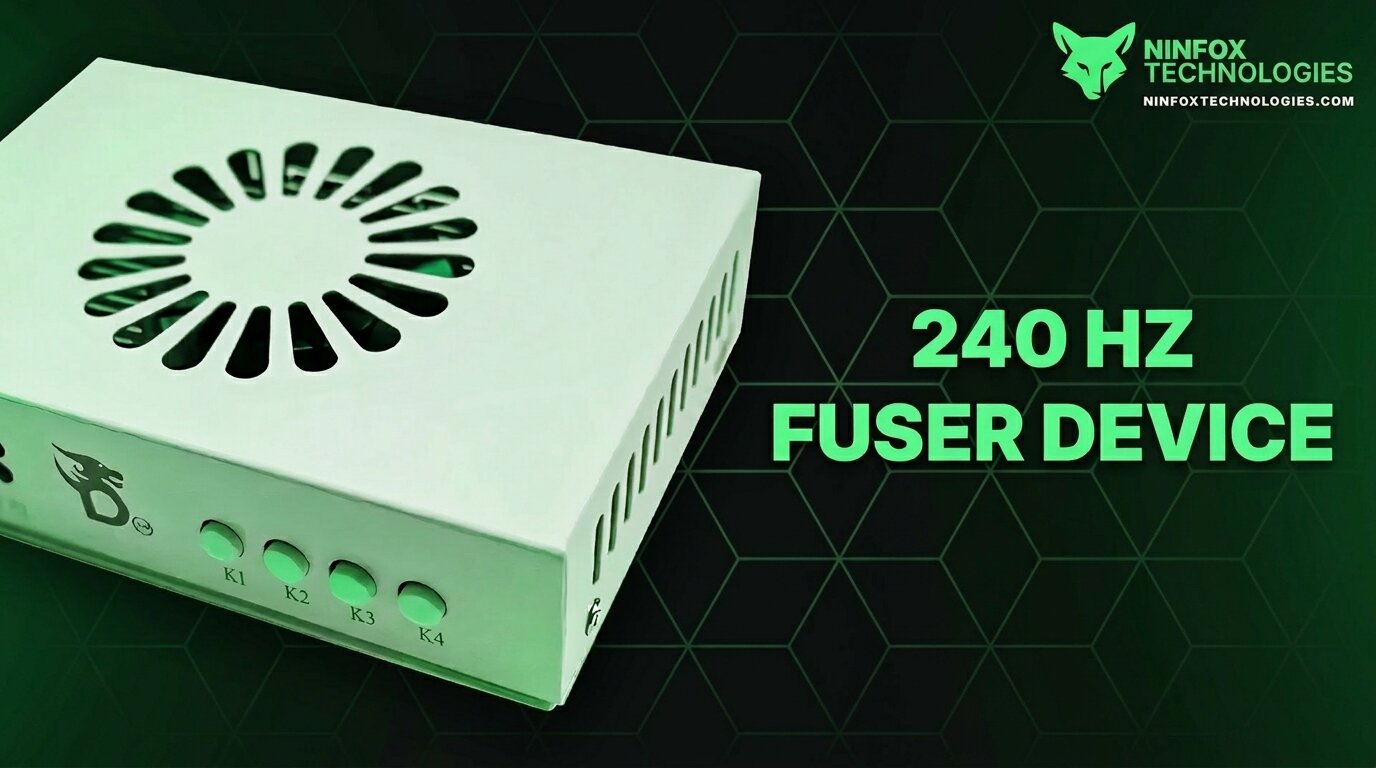
Additional Images
DICHEN FUSER HDMI
Key Features
-
Resolution and Refresh Rate Support:
- Maximum: 3840x2160P at 60Hz
-
Backward Compatibility:
- 2560x1440P at 144Hz
- 1920x1080P at 240Hz
- 3440x1440P at 100Hz
- 2560x1080P at 200Hz
- Wide compatibility with other resolutions and refresh rates.
-
Plug-and-Play Simplicity:
- No complex settings or adjustments required.
- Lower latency than streaming and no lags during operation.
-
Enhanced Perspective:
- Works seamlessly with DMA to assist in achieving advanced visual perspectives without sacrificing frame rates.
-
Durable and Reliable:
- Shipped directly from the original factory.
- Comes with a warranty card for peace of mind.
Best Pairing with DMA Cards
The Fusion works exceptionally well with DMA, a high-performance DMA solution introduced by Captain Corporation. Featuring XILINX FPGAs like the 35T and 75T chips, DMA offers:
- Stable and efficient data transfer.
- Compatibility with Fuser for optimal DMA acceleration.
This combination ensures high-performance results for data-intensive tasks such as network communication and graphic processing.
Shipping Information
- Ships within 1-3 business days via FedEx, DHL, or UPS for fast international delivery.
Setup Guide
Wiring Instructions:
-
Connect three HDMI transmission lines to:
- Game Console
- Radar Machine
- Fusion Device
Secondary Machine Requirements:
- Processor: Intel i5 or equivalent
- RAM: 4GB
- Graphics Card: Not required; integrated graphics supported
- Performance: Minimum 4000 points
Interface Details:
- HDMI Output: Main display connection.
- HDMI1 Host: Connect to the host GPU.
- HDMI2 Secondary: Connect to the secondary machine GPU.
- Type-C Port: For program updates and EDID injection (used only during upgrades).
- DC 12V Port: Default 12V 2A power supply.
Important Note:
Do not directly connect the host GPU to the main monitor using a DP or HDMI cable. If connected, it must be unplugged.
Indicators and Buttons
Indicators:
- D1: Power Indicator (Always on when powered).
- D2: Fusion Function Indicator (On/Off).
- H2: HDMI2 Input Signal Indicator (On: Normal; Off: No signal).
- H1: HDMI1 Input Signal Indicator (On: Normal; Off: No signal).
Button Functions:
- Power Button: Turns the device on/off.
-
K1 Button:
-
Short press: Cycle through resolutions:
- 1920x1080
- 2560x1440
- 3840x2160
- 2560x1080
- 3440x1440
- Long press (3 seconds): Display current resolution and refresh rate in the upper-left corner.
-
Short press: Cycle through resolutions:
- K2 Button: Adjust upper-layer image matting intensity (21 levels from 0 to 20, default is 0).
- K3 Button: Reset matting strength to factory default (0).
- K4 Button: Toggle fusion function.
Troubleshooting Fusion Function:
- Set the background color of the secondary unit to pure black.
- Press the K2 button to enhance RGB values.
Additional Features:
- Plug-and-play operation.
- Automatic standby and memory storage.
- Temperature-controlled cooling for optimal performance.
- Original picture output with extremely low latency.
Important Upgrade Note:
If compatibility issues persist, upgrading via EDID injection may be required. Use the Type-C port to add an EDID and resolve compatibility problems.
Frequently Asked Questions
Everything you need to know about our platform and services.
Yes, security is our top priority. We use advanced kernel-level protection and unique bypass methods to ensure our products remain undetected on all supported anti-cheats.
Instant! Our automated system sends your license key and setup guide to your email immediately after your payment is confirmed.
We support a wide range of popular titles including Call of Duty, Apex Legends, Valorant, Rust, and many more. Check our store page for the full list.
Absolutely. We have a dedicated 24/7 support team available via Discord and our ticket system to help you with setup or any issues.
We accept Cards, Crypto (BTC, LTC, ETH, USDT), PayPal, and various local payment methods depending on your region.
Digital products are generally non-refundable once redeemed. However, if our software doesn't work on your PC and our support team cannot fix it, we will issue a refund.